
Step-by-step instructions for creating your YouTube channel
Step-by-step instructions for creating your YouTube channel from start to finish can be found on our website for free!
In this article we will show you and tell you how to log in and create your own channel on YouTube
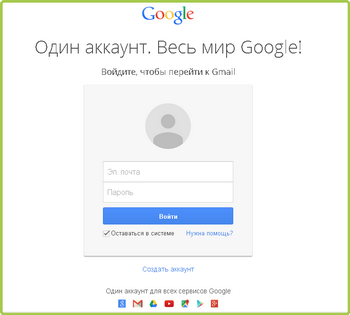
The first step is to go or register at Google.com. If you already have an account, then simply enter your username and password.
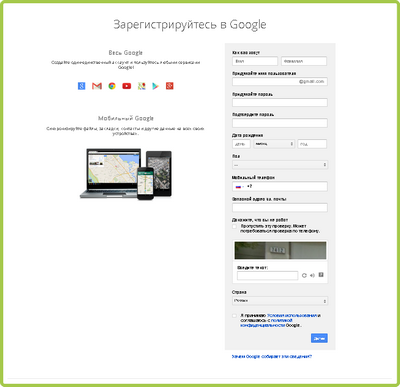
And if not, then click Register and fill out all the fields with your data (full name, date of birth, gender, email, login, password, phone number and enter numbers to verify that you are not a robot), create a password as complex as possible to protect yourself from hacking your account by ill-wishers, be sure to click the checkbox that you agree with the terms of Google’s privacy policy, then click Next.
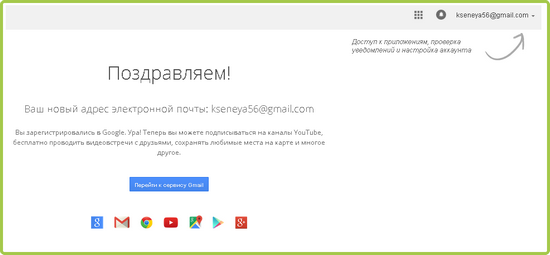
After registration, the system will congratulate you on successful authorization and offer access to applications, check notifications and account settings.
If you click on your login, you will be presented withthe choice to log into your account, read privacy or log out of your account.

Once you log into your account, you will see all sorts of settings in order to protect your data. You can configure security and login, privacy, and just general profile settings.
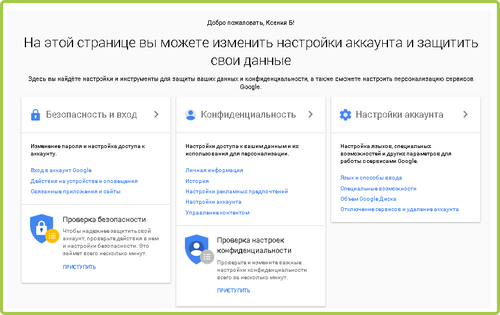
The second step is to go to the YouTube website itself. To do this, you should log into your account simply by entering your username and password from your email.

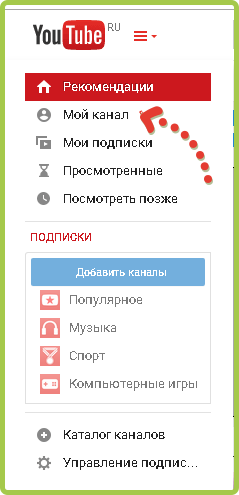
In the third step, you will be offered buttons such as, Recommendations, My Channel, My Subscriptions, Watched and Watch Later, you can order using the link watch the video later, you should click on the arrow on the left side of the screen and select My Channel.
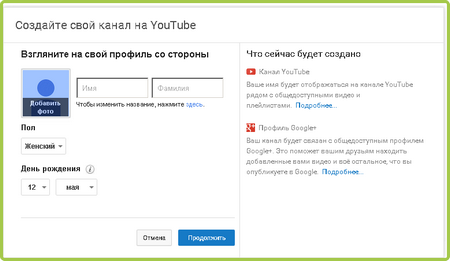
Next, a window about your channel will open in front of you, you can immediately change the name, age and gender and click the Continue button
In this 4th stepYou have access to such functions as channel design, video downloading, create a juicy preview subscribe to other channels that interest you and other functions. If you want your channel to be popular among the population, then you should use the interface change.
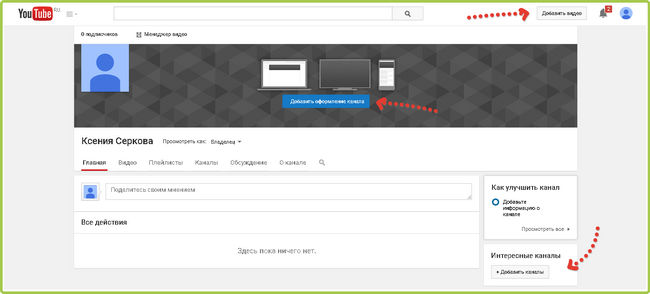
Here is actually all the detailed instructions on creating your own channel. Let's give you some tips when using a YouTube channel. To get started, download the Movavi Video Converter program and follow the instructions, this is necessary in order to select the desired video format. To do this, go to the site and click the Download button

If you want to stand out among other channels and their videos, then use the Movavi Video Editor program, with its help you can add music, effects, titles and your video will take on a completely different look. The download principle is the same as in the previous paragraph.